



- Laptop · front desk
k1·7Qx…c2 - Tablet · stock room
k2·Hm4…9a - Scanner · goods-in
k3·pZ8…e1 - Phone · shift lead
k4·Tw2…07
4 devices, 4 keys. All connected.
The Airfy family
WiFi
Guests, staff and devices each get their own network and SSID. Your team creates networks and SSIDs once for the organisation and attaches them to sites.
Networks and SSIDs
Create networks and SSIDs once for your organisation, then attach them to sites. Every attached site takes them over. Guest and staff networks are kept apart.
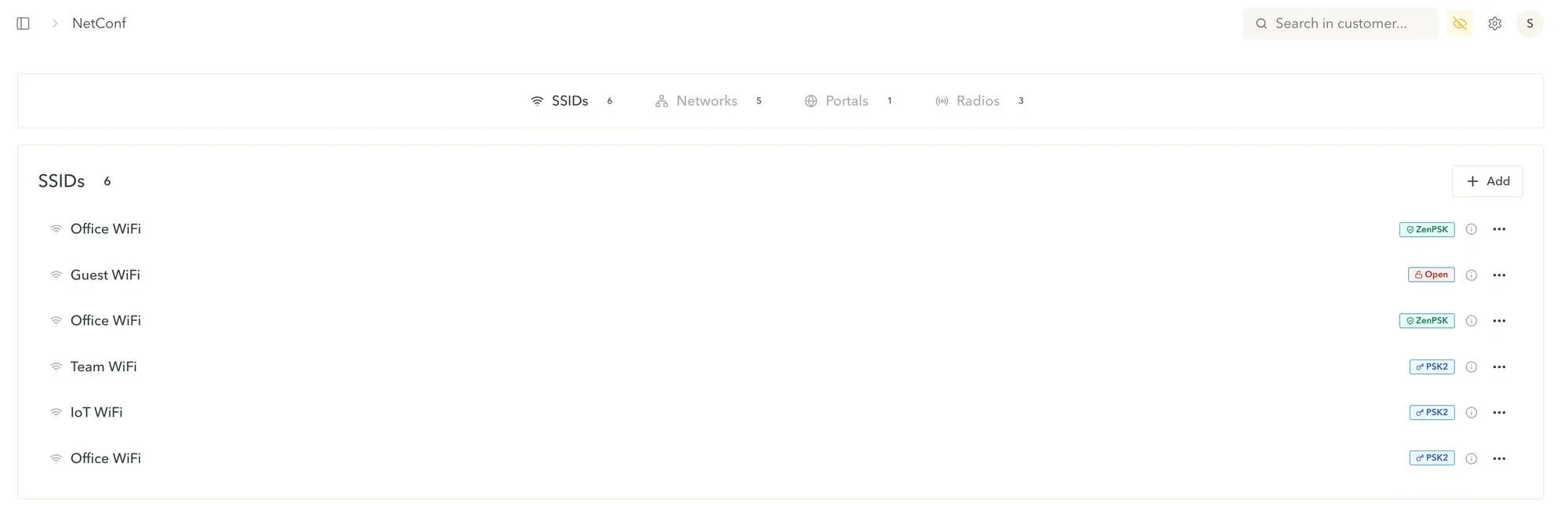
OpenNo password. Anyone in range can join.
PSK2One shared password for the network.
WPA2-Enterprise 802.1XEach person signs in with their own credentials.
TPSKKeys that are valid for a limited time.
ZenPSKEvery device gets its own key.
Sign-in page
Schedules
Switch SSIDs on and off at the times you choose, for example a guest network that only runs during opening hours.
Content filter
Eleven categories. Switch each one on for the networks that need it, for example on the guest network and not on the team network.
Own key per device
No shared password. Each staff device gets its own key, and you can revoke each one on its own. If a device goes missing, nobody else has to change a password. Try it: revoke a key.
k1·7Qx…c2k2·Hm4…9ak3·pZ8…e1k4·Tw2…074 devices, 4 keys. All connected.
Request a call
Tell us about your sites and the networks you need.
We have your request and will get back to you by email.