



Your IT team, or your IT partner
Runs the network in the web console: networks and SSIDs, sign-in page, filters and sites.
The Airfy family
airfy.net · Wi-Fi for every site you run
At every site, guests, staff and devices get their own networks and SSIDs. Your team sets this up once in the web console, and every assigned site takes it over, managed from the Airfy cloud.
One site is a valid start.
© Airfy. All rights reserved.
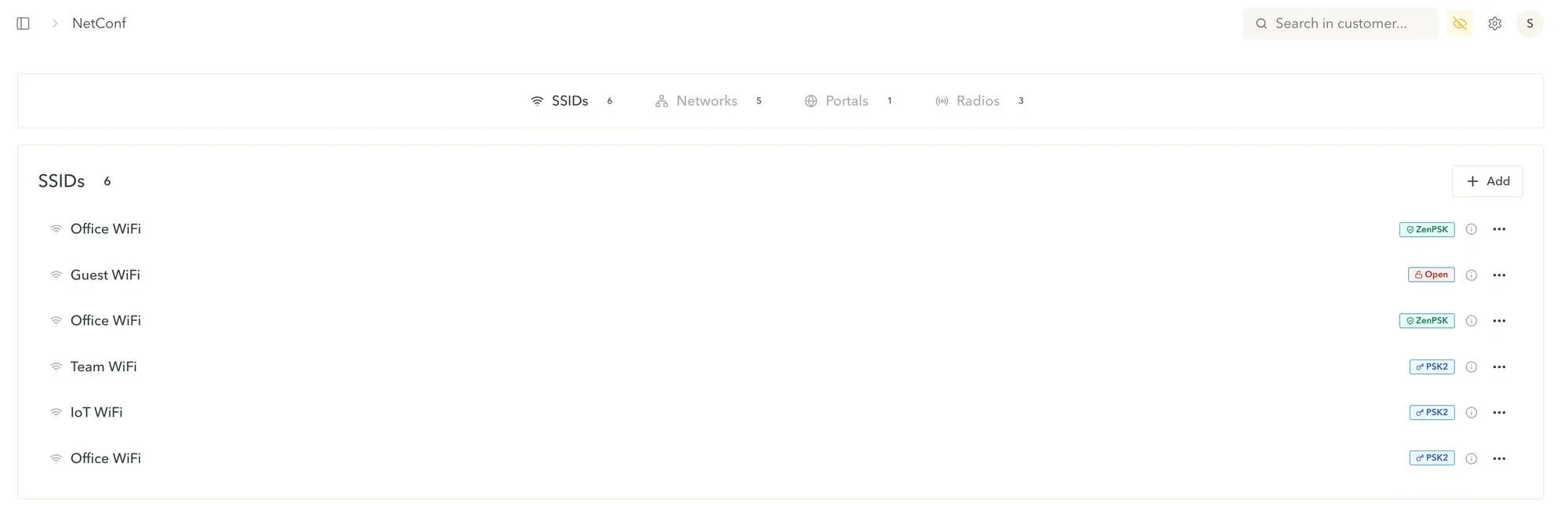
Four separate networks leave the node: Office, Guest, Team and IoT. Your team sets things once in the web console; every assigned node follows, and its status shows up there.
Separate networks
Visitors join the guest network and sign in through a sign-in page. The guest network is kept apart from your staff.
Office and team devices have their own networks. Every staff device has its own Wi-Fi key, and each key can be revoked on its own.
Printers, screens and sensors get a network of their own, away from guests and staff.
Your team creates the networks and SSIDs once and assigns them to sites. Every assigned site takes them over.
Airfy cloud
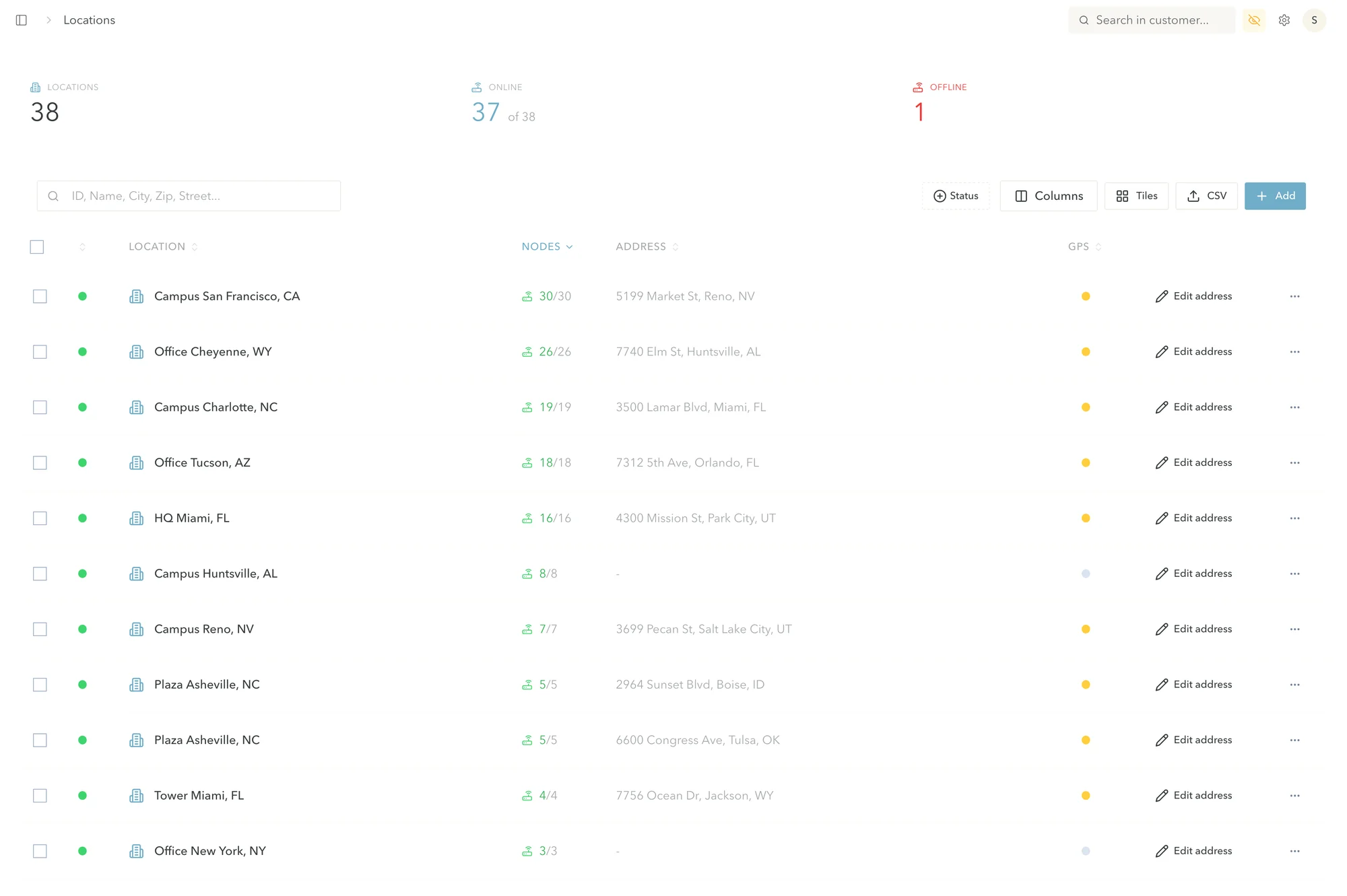
Networks, SSIDs, sign-in page and filters live in one web console. Assign them to a site and the site takes them over. Status, clients and uplinks of all sites are in one place.
Site AOffice
OfficeGuestTeamIoT

Site BCafé
OfficeGuestTeamIoT
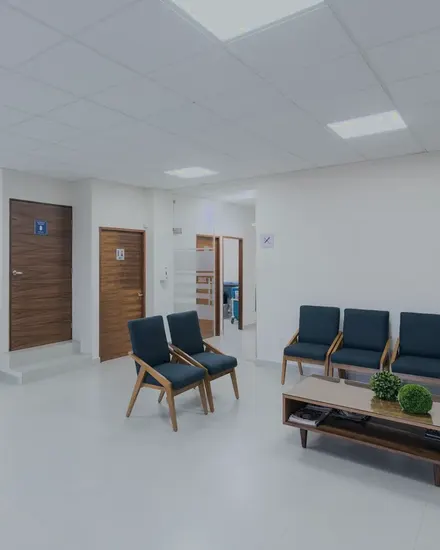
Site CPractice
OfficeGuestTeamIoT
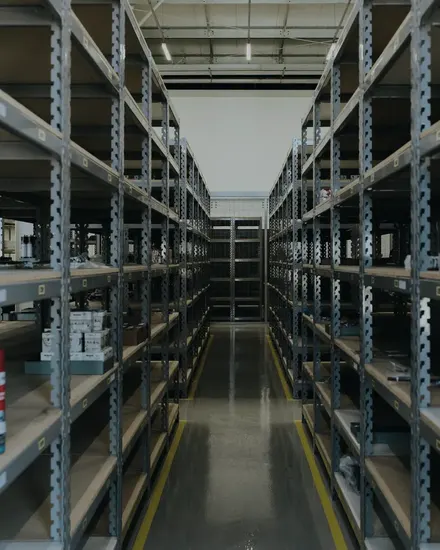
Site DWarehouse
OfficeGuestTeamIoT
Who does what
Runs the network in the web console: networks and SSIDs, sign-in page, filters and sites.
Supplies the hardware, the cloud and the support.
Is a valid start. Sites you add later get the setup your team already defined.
Every node can also carry encrypted tunnels, for example to keep guest traffic off your own network. More on Technology
Hardware
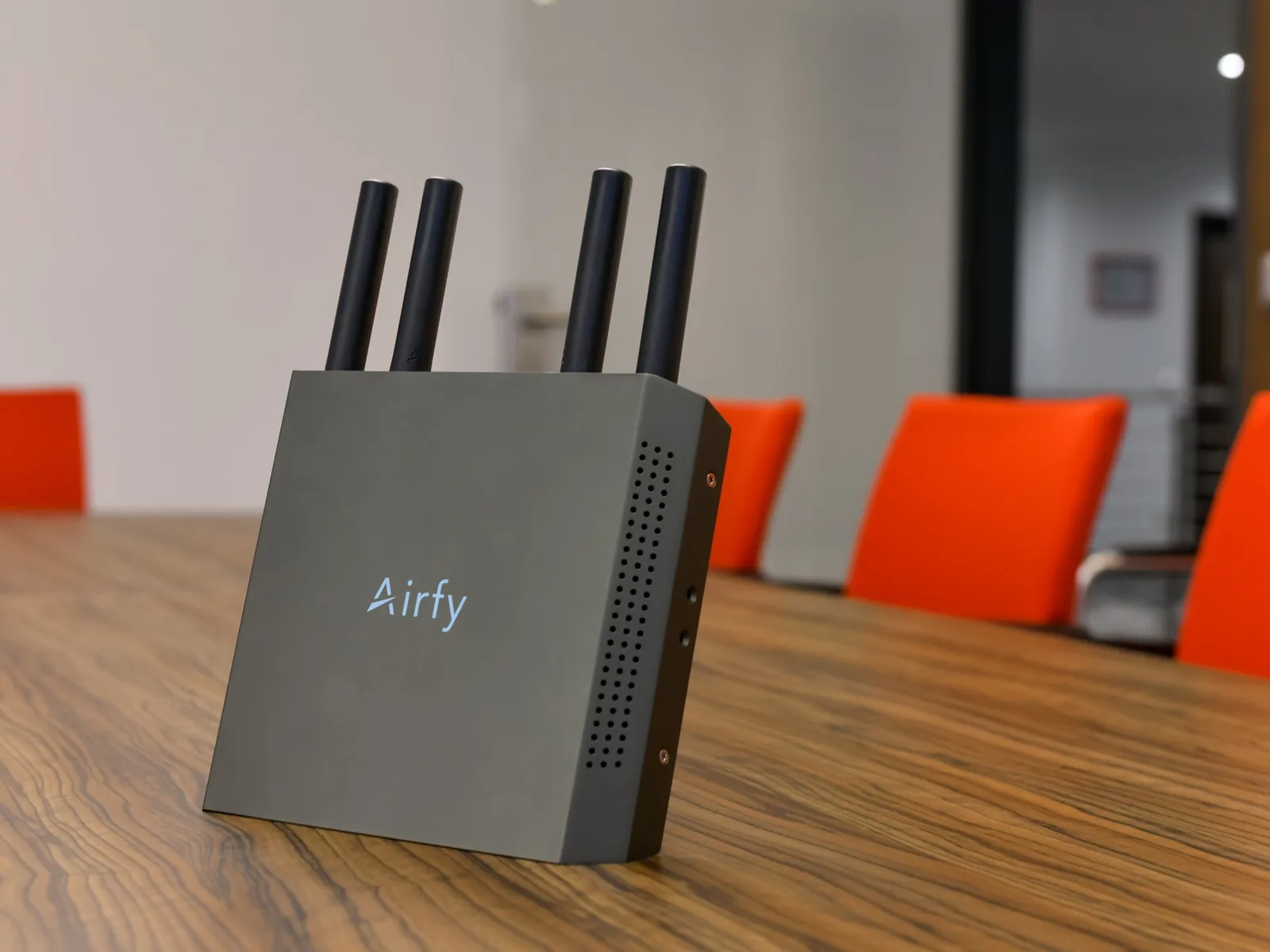
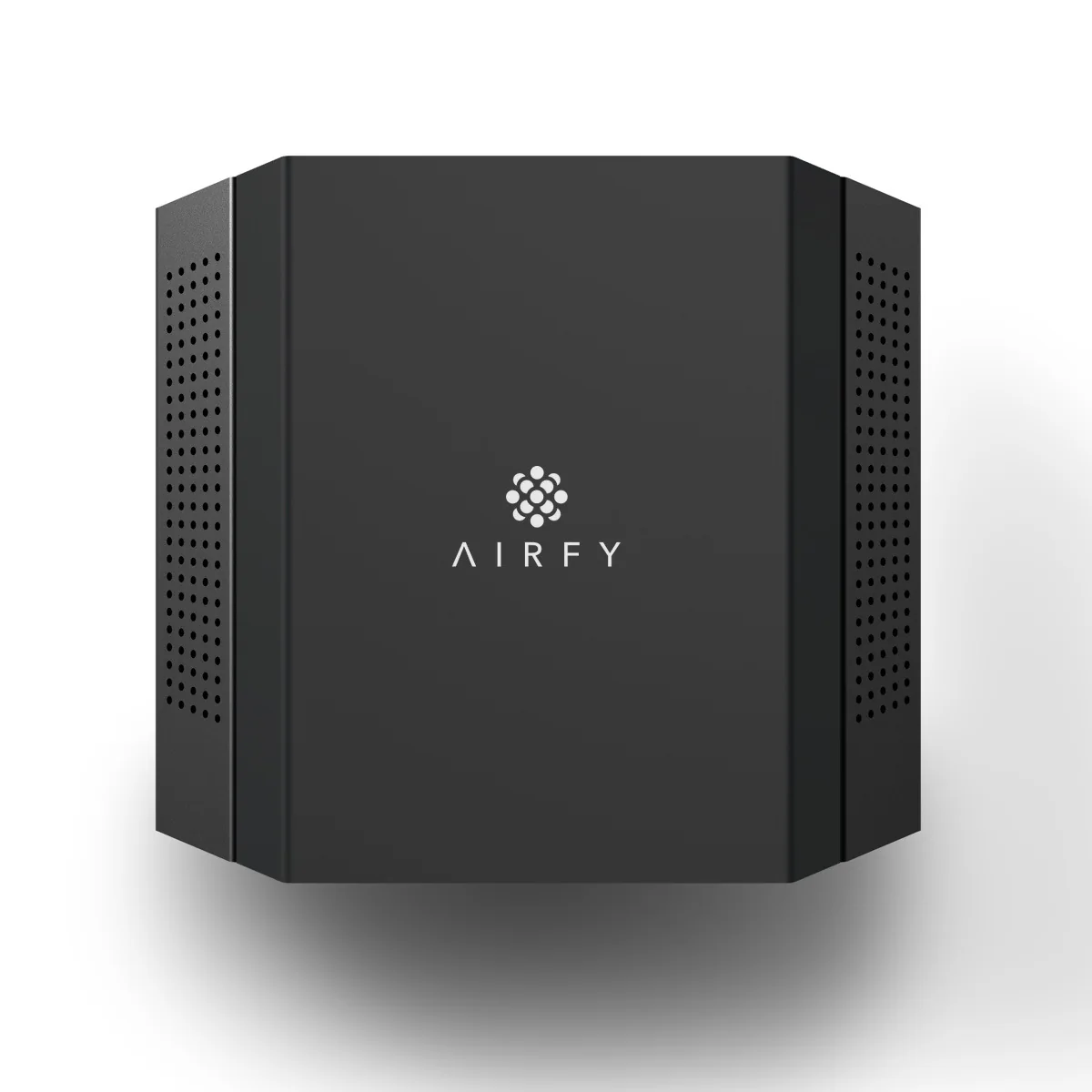
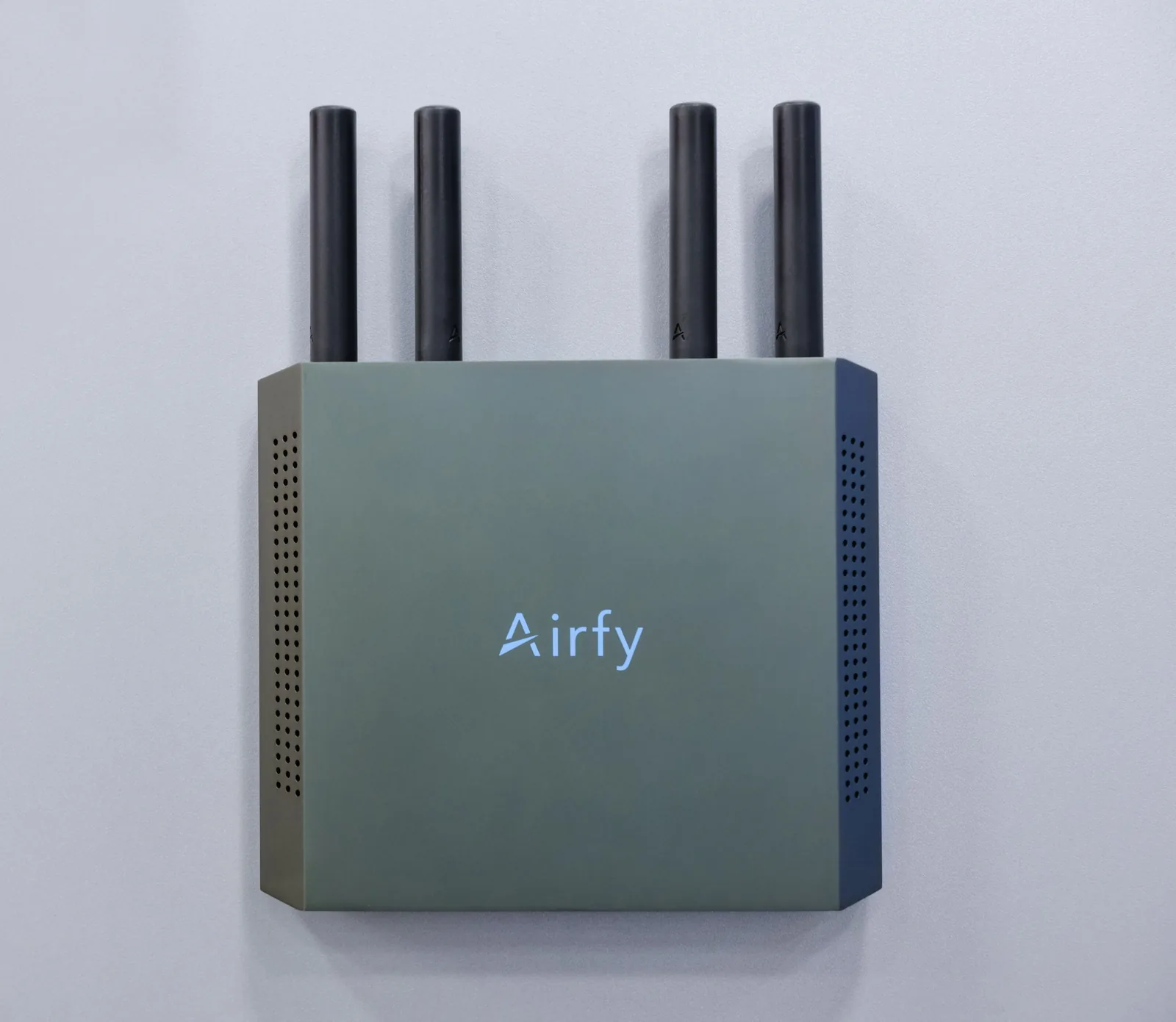
Airfy’s indoor access point, running Airfy’s own firmware. At every site.
Straight answers
You’ll ask anyway, so here are the answers up front.
No. Configuration and monitoring live in the Airfy cloud. A new node takes over its site’s settings by itself. No setup on site.
Yes. The web console and monitoring run in the Airfy cloud, so managing your sites requires an internet connection.
Every airfy.net network is managed from the Airfy cloud, operated by Airfy.
No. Guest and staff networks are kept apart, each with its own SSID.
Every node can carry encrypted tunnels, for example to keep guest traffic off your own network.
No. airfy.net manages airfy.nodes. If you’d rather have Airfy run your Wi-Fi for you, that’s airfy.org.
Your own IT team, or your IT partner. Airfy supplies the hardware, the cloud and the support.
Yes. One site is a valid start. Sites you add later are assigned in the same web console and get the settings your team defined there.
We quote prices in a call.
For IT partners
Manage many clients in one console, each with their own account.
PartnersRequest a call
See guests, staff and devices on their own networks, set up once in the web console. Tell us about your sites.
We have your request and will get back to you by email.