
Industries

Who gets which network.

Seven industries, the groups at their sites, the network each group gets, and what changes for the organisation.

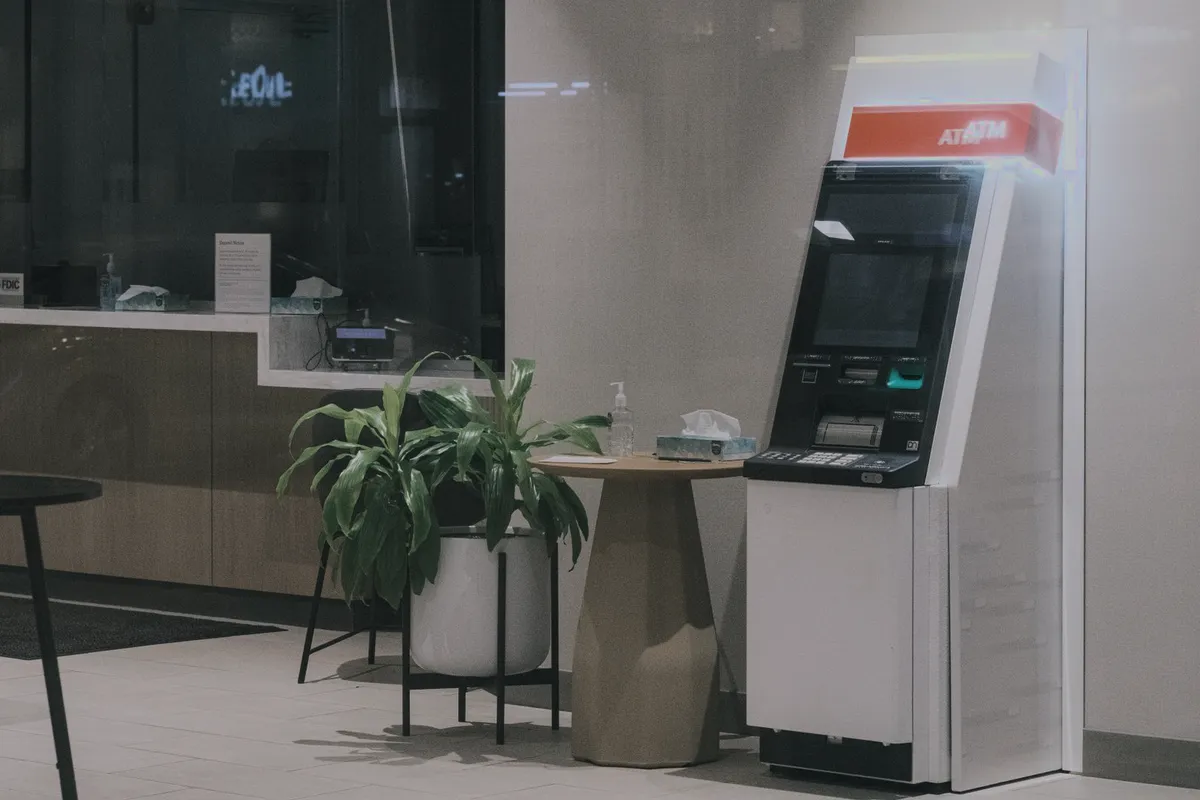
Bank lobby with a cash machine

Banks and branch networks

  • GuestCustomers join the guest network through a sign-in page.
  • OfficeStaff connect with their own key per device.
  • IoTDevices such as printers and screens have their own network.

What changes Branch Wi-Fi is defined once at headquarters, and every branch takes it over.

Shop with bags and shoes on shelves

Retail

  • GuestShoppers sign in on a page in your design, with the content filter on.
  • TeamStore staff connect with their own key per device.
  • IoTStore devices such as scanners and displays have their own network.

What changes Every store runs the same networks, and a new store takes them over when its node is connected.

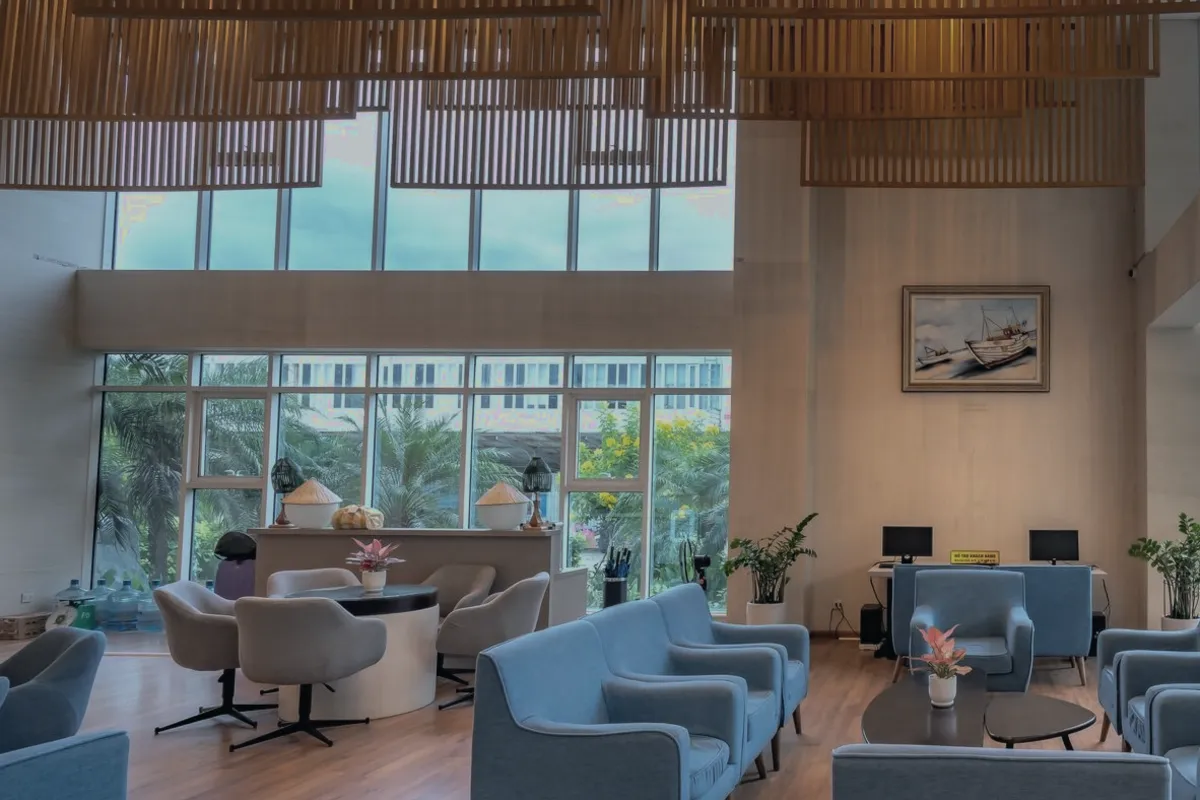
Hotel lobby with sofas

Hotels and hospitality

  • GuestGuests sign in through a sign-in page, with a session duration you set.
  • TeamStaff connect with their own key per device.
  • IoTDevices in rooms and public areas have their own network.

What changes Guests, staff and devices stay apart in every hotel of the group, set up once.

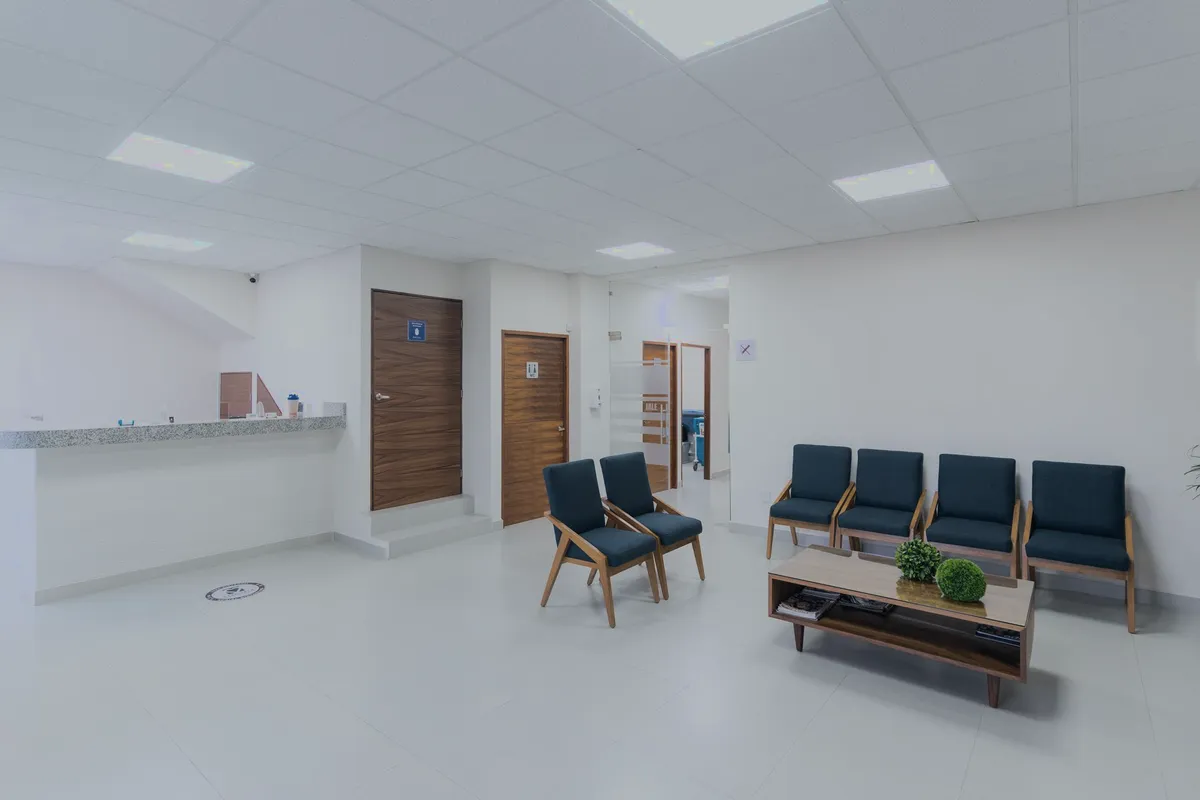
Waiting room of a practice

Medical practices and clinics

  • GuestPatients in the waiting room use the guest network, with the content filter on.
  • OfficeStaff connect with their own key per device, or sign in with their own credentials.
  • IoTPractice equipment has its own network.

What changes Patient Wi-Fi is kept apart from staff and practice equipment, at every address.

Empty classroom with desks and chairs

Schools and education

  • StudentsStudents get their own network with a content filter, on a schedule for school hours.
  • StaffTeachers and staff sign in with their own credentials.
  • IoTDevices such as projectors and printers have their own network.

What changes The student network follows the school day, and every school of the operator gets the same setup.

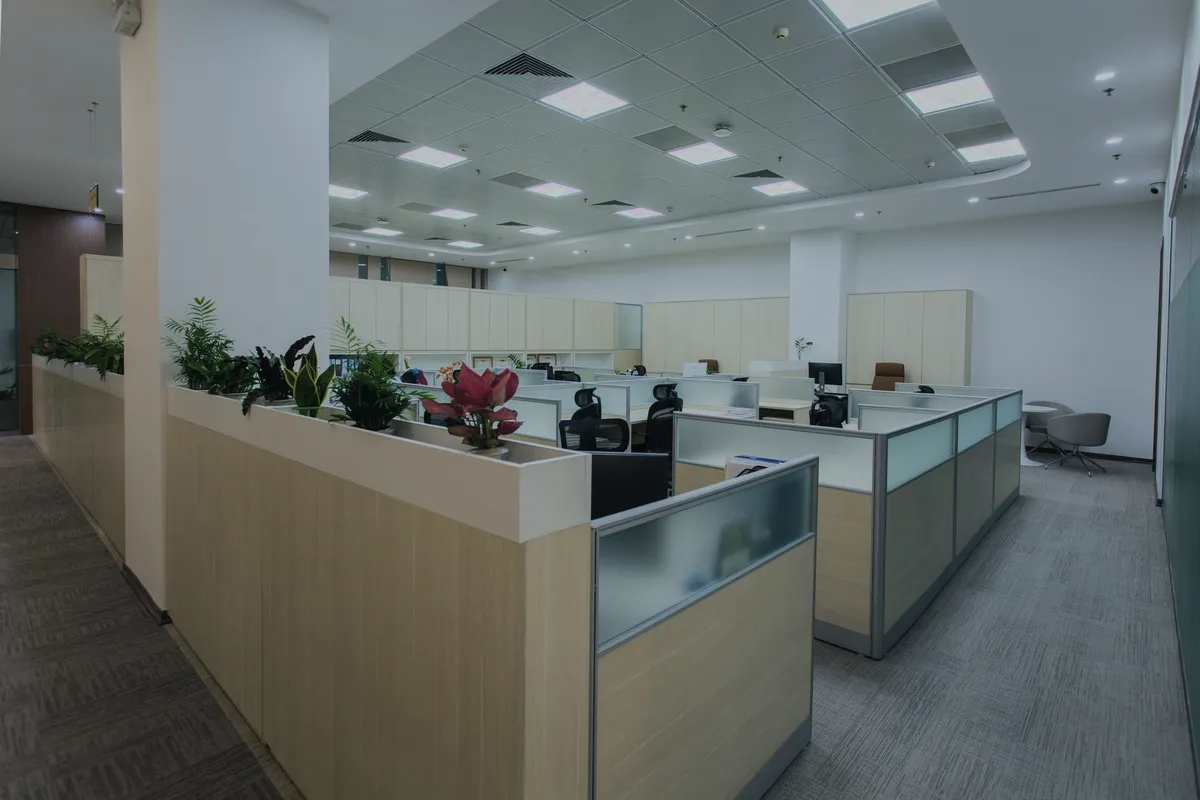
Open-plan office

Offices with several sites

  • GuestVisitors sign in through a sign-in page.
  • OfficeEmployees sign in with their own credentials or connect with their own key per device.
  • IoTDevices such as printers and meeting-room screens have their own network.

What changes Every office runs the same networks, with status, clients and uplinks of all offices in one place.

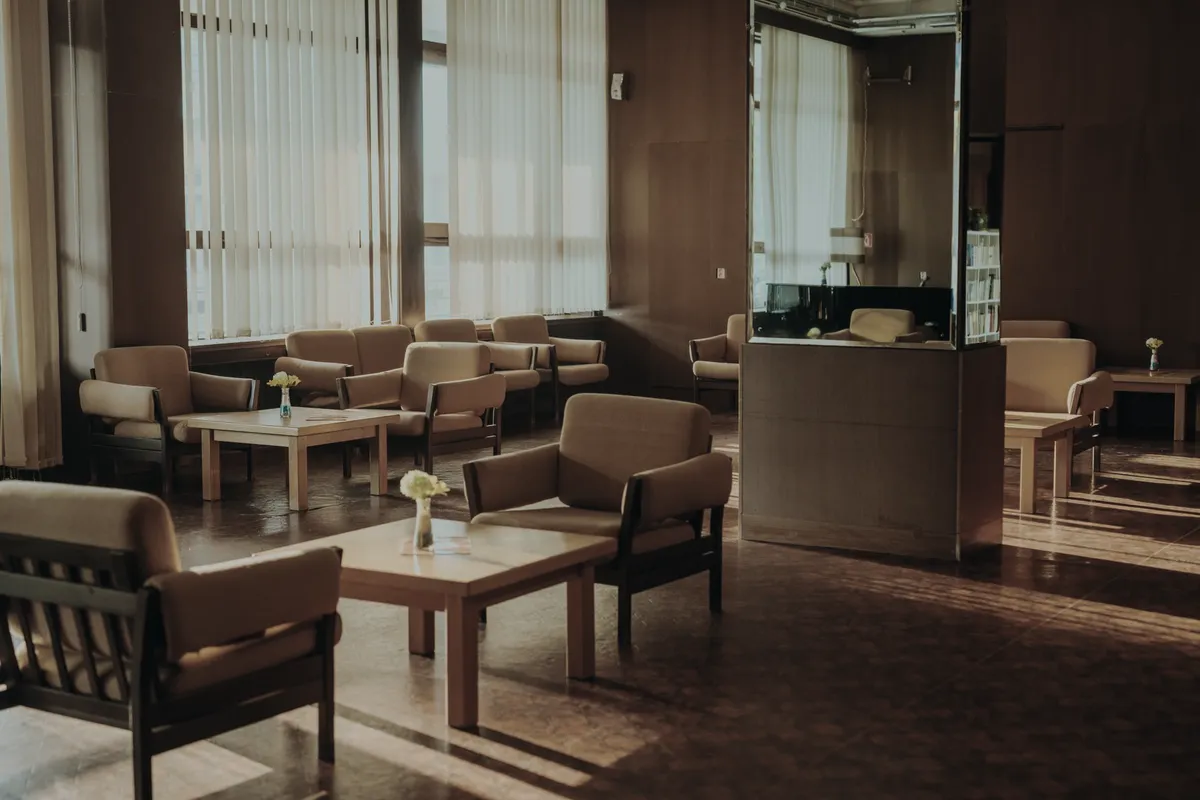
The picture shows a quiet common room with empty chairs and daylight, and no people.

Senior living with several sites

Living with a service, across several sites.

You run the network. Airfy supplies the rest.

  • GuestVisitors sign in through a sign-in page.
  • OfficeStaff connect with their own key per device.
  • IoTPrinters, screens and sensors get a network of their own, away from guests and staff.

What changes Sites you add later get the setup your team already defined.

Request a call

Your industry is not listed? Tell us about your sites.

We will show you who gets which network at your sites.

We use your details to answer your request. Spam protection and delivery run through Cloudflare Turnstile and Twilio SendGrid, including in the USA. See our privacy notice.